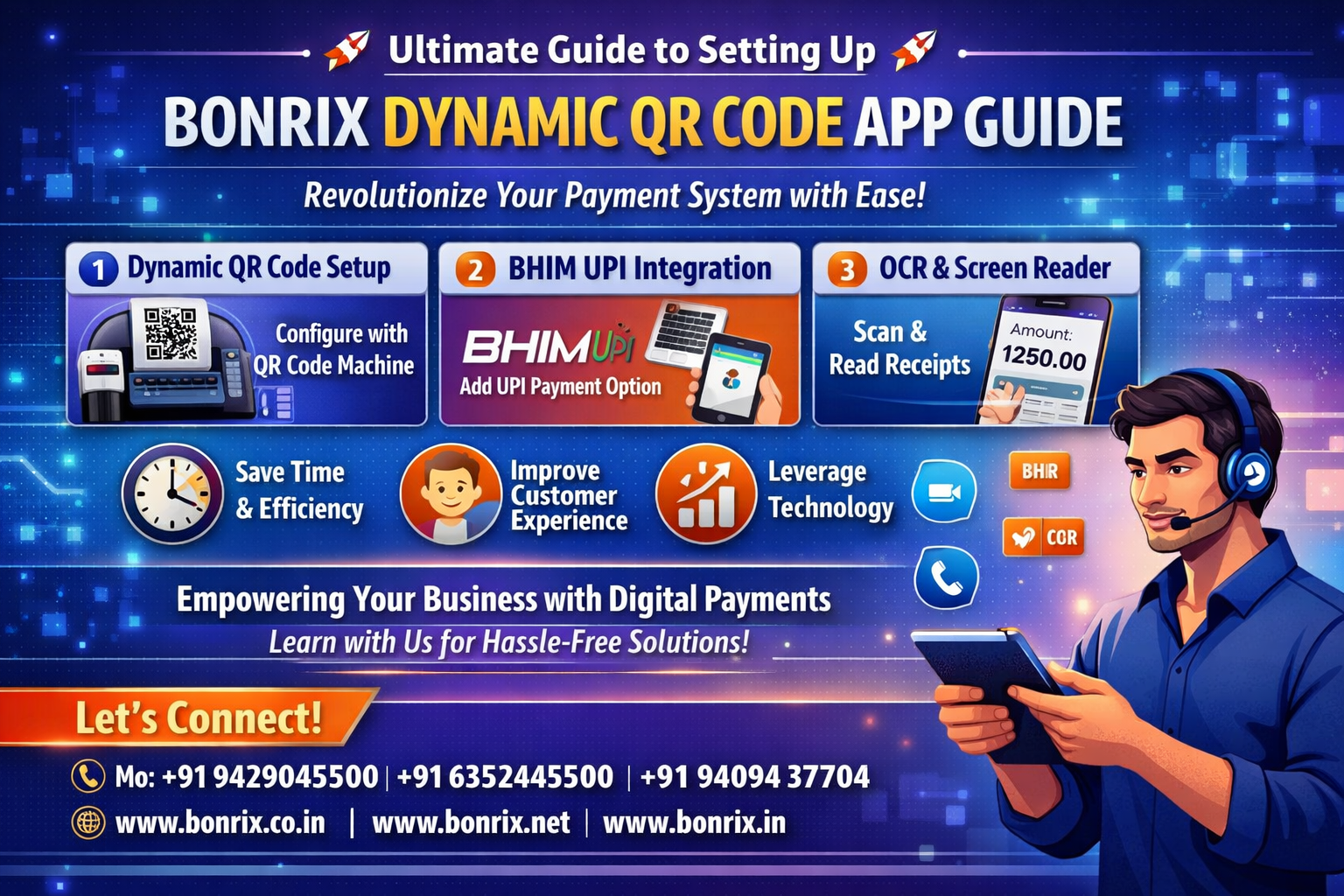
Bonrix Dynamic QR Code App | Ultimate Setup Guide 🚀
Welcome to our comprehensive tutorial on how to effortlessly set up the Bonrix Dynamic QR Code Application with your QR code machine. Learn to integrate BHIM UPI and utilize our innovative OCR and Screen Reader features to revolutionize your payment system, enhance business efficiency, and ensure a seamless, secure checkout experience for your customers.
✦ Screen Reader & QR Code Setup ✦
The Bonrix Dynamic QR Code Display and OCR Screen Reader applications provide an integrated solution for businesses looking to automate their billing and payment collection processes. The Dynamic QR Code Display app is set up by inputting UPI details and connecting it to a display device, which allows for real-time, professional presentation of payment information. This setup ensures that customers can easily see and scan the correct payment amount, facilitating a modern and efficient checkout experience.
Complementing this, the OCR Screen Reader application bridges the gap between traditional billing software and digital payments. By taking a screenshot of an invoice generated in any billing program, the app uses OCR technology to intelligently detect and crop the total amount. Once the user confirms the settings—such as enabling the debug option—the application runs in the background to automatically identify the billing amount and trigger the generation of a corresponding QR code for the customer to scan.
To maintain a smooth operational workflow, these applications are designed to be kept running simultaneously, with the OCR tool providing visual confirmation of its status through an icon. By automating the transition from the bill generation phase to the payment request phase, this setup minimizes manual intervention and reduces the potential for human error. Ultimately, these tools offer a scalable, tech-forward approach for businesses aiming to modernize their point-of-sale systems and enhance customer satisfaction.
📱
Dynamic QR Code Setup
Get detailed instructions on configuring the Bonrix Dynamic QR Code Application with your hardware for seamless, automated transactions.
💳
BHIM UPI Integration
Learn how to add BHIM UPI as a primary payment option within the application, making every customer transaction faster and more secure.
👁️
OCR & Screen Reader
A complete walkthrough on uploading screenshots, selecting total amount screens, and activating AI-powered OCR for efficient payment processing.
🚀
💡 Why This Tutorial?
Maximize your business potential by mastering our latest payment technologies. This guide helps you:
⏱️
Save Time & Efficiency
✨
Improve CX & Payments
🤖
Leverage OCR & Screen Readers
Let's Connect! 👉
For more information on integrating digital payment solutions into your business, stay tuned to our channel. If you found this tutorial helpful, don't forget to like, share, and subscribe for more insightful content.
Contact Us: For queries, support, or feedback, reach out to us through the comments or our contact details below.
Trusted by 1000+ Businesses
#BonrixDynamicQRCode #DigitalPayments #BHIMUPIIntegration #OCRApplication #ScreenReader #TechTutorial #PaymentSolutions #DigitalIndia #FinancialTechnology #BusinessGrowth #cashlessindia #Bonrix #DigitalPayments #innovation #SeamlessPay #BonrixSoftware #DigitalPayments #QRCodePayments #POSIntegration #ContactlessPayment #InnovativeSolutions #TechUpgrade #RetailTech #PaymentSolutions #AndroidApp #FinancialTechnology #CashlessIndia #SecurePayments #PaymentProcessing #MerchantServices #BusinessTech #ECommerceSolutions #TechInnovation #SmartPayments #RetailInnovation #DigitalIndia #FintechIndia #AhmedabadTech #GujaratInnovation #possystems #UPIPayments #mobilepayments #BonrixSoftwareSystems #DynamicQRCode #DigitalPayments #BHIMUPI #POSIntegration #Innovation #TechSolutions #Ahmedabad